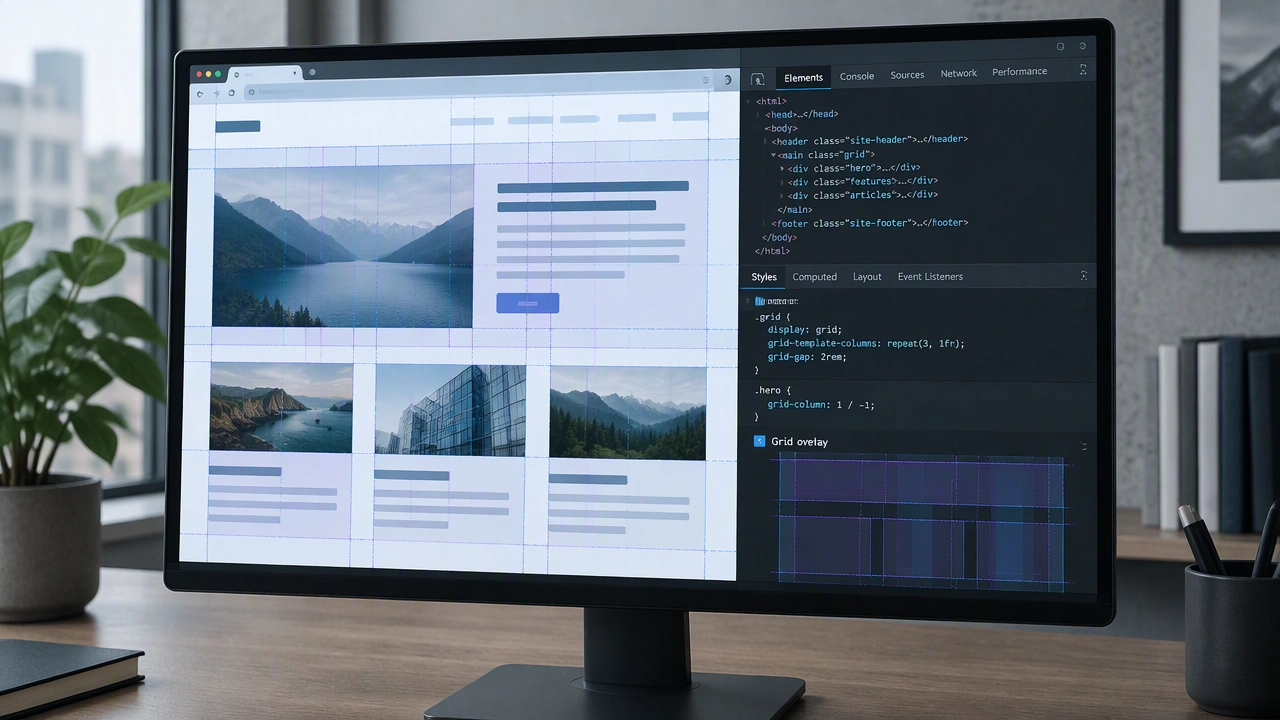
Debugging CSS layouts becomes much easier when you know your browser tools well. The Elements panel lets you inspect the box model, toggle classes, and experiment with styles in real time. The Layout panel in modern browsers reveals Grid overlays and Flexbox alignment guides, which helps you see tracks, gaps, and alignment behavior without guessing. Color pickers, computed style views, and responsive design mode let you test changes across screen sizes quickly. Lighthouse and accessibility audits can catch contrast issues and missing labels that affect usability. I also recommend enabling paint flashing or layer borders when you need to understand rendering performance. Learning these tools saves time and builds confidence because you can verify your assumptions instead of guessing. If you have favorite workflows or lesser-known features, share them here so we can all debug smarter and ship cleaner CSS.